To maintain a smooth connection between the engine control module (ECM), the controller, and the remote monitoring system communication module plays an important role. Faulty communication triggers alarms, disrupts operations and turns off tracking. This guide on Troubleshooting of Communication Module for Diesel Generator helps you find causes and provides the best solutions.
What Causes Communication Module for Diesel Generator
Communication modules are not just another component; in fact, they are the backbone of a diesel generator’s control system. You cannot connect major tracking components, such as ECM ATS panels or a remote monitoring system, without a Communication Module for Diesel Generator. In case of a faulty communication module, you might see errors on your control screen, such as communication fail, missing data or unresponsive controls. Meanwhile, the common causes of failing communication modules in diesel Generators include:
- Your generator gets unstable electrical flow and signals due to poor grounding.
- A sudden voltage drop can also cause intermittent faults or issues in the system.
- Loose or broken electrical wires don’t let signals transfer between communication components.
- You deal with disruptive data transmission inside diesel generators due to damaged CAN bus wiring.
- Most common errors or false alarms you see on the control panel are due to software corruption.
You can identify the exact fault cause by performing thorough troubleshooting of communicating module for diesel generators.
Initial Diagnostics and Visual Inspection
The first step of effective troubleshooting of the communication module for the diesel generator is to analyze by looking at the fault. Sometimes, a thorough inspection can prevent deep maintenance to find the actual cause of the problem in the communication modules:
- Have a look at the control panel display for any black screen or error messages. These signs show issues with a proper power supply.
- If you see corrosion sticking to terminals or broken cables, it can indicate trouble in the wires.
- Reach the CAN bus network area and make sure there is no sign of trouble there.
- Next, you need to check that all the control panel fuses are working fine because a blown fuse can also be a reason for the issue in the communication module.
- Examine grounding connections, as loose or dirty grounds are a common cause of intermittent faults.
- Another common reason for a fault you need to confirm in communication modules is loose or dirty grounding.
- Tighten all grounding wires and check the cables for smooth electrical flow to the communication module.
CAN Bus Network Troubleshooting
CAN bus deals with the connection of major components in the communication module. So, any troubleshooting of the communication module for the diesel generator might start due to a faulty CAN bus. You can easily track faults in the CAN bus by:
- Equally measuring the voltage between CAN high and CAN low. Meanwhile, the voltage should be around ~2.5V in an idle situation.
- If you record some deviation, it might be signaling faults in the wires or the communication module.
- Shutdown the system entirely and verify the resistance (It should be around 60 ohms.). If you see a different number, then it’s a sign of faults in terminals or wires.
- To find the short circuit, start disconnecting the modules one at a time. You can quickly track the fault in a certain part using this method.
Nutshell: Troubleshooting of the Communication Module for the Diesel Generator
If you are searching for a solution to communication module faults in diesel generators, then here is what you should do:
- Verify the DC power supply and see the controller display.
- Thoroughly test Controller Area Network or CAN bus network wiring and connections.
- Confirm the proper supply of voltage and resistance on CAN lines.
- Avoid all the disturbances and interferences in the system, and confirm reliable grounding.
- Carefully inspect all ECM signals, I/O boards, and address settings
- Update firmware in case of errors, replace the entire communication module for diesel generators if nothing works.
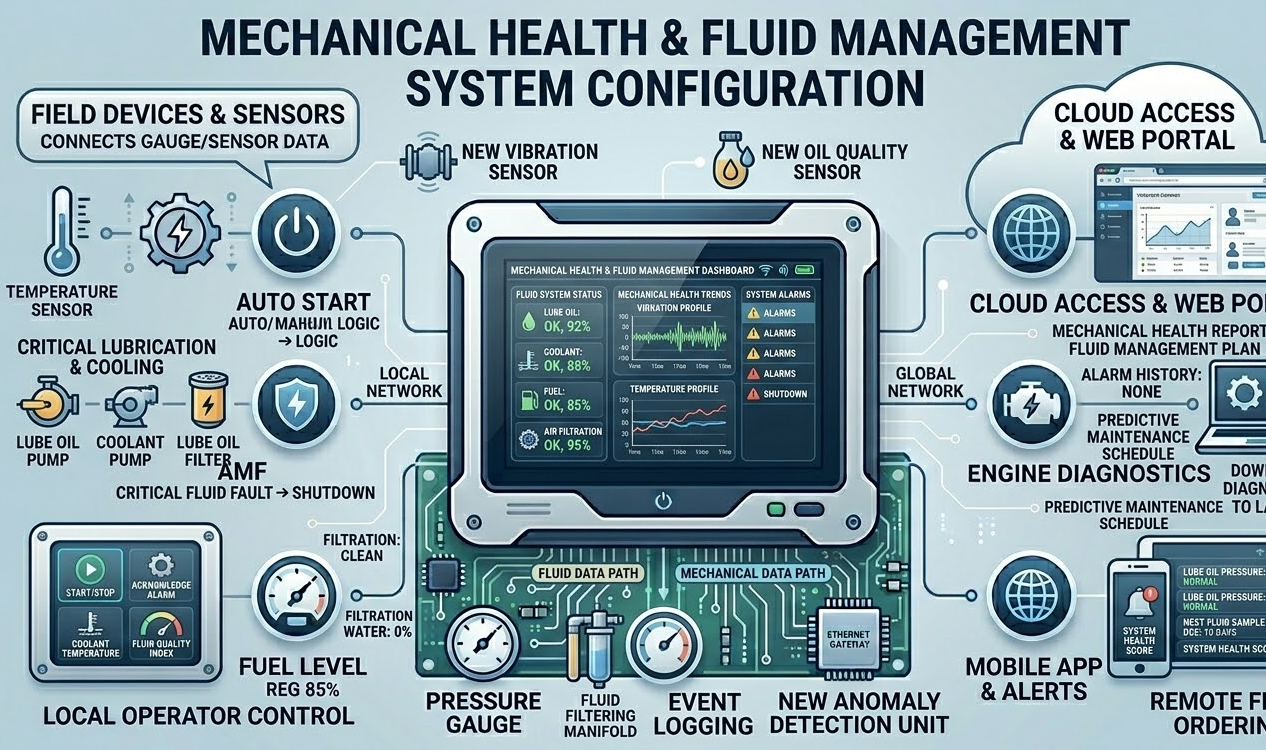
Component-Level Troubleshooting
If you have failed to find the fault with basic inspection, time to focus on each component separately:
ECM Communication Issues
You ca troubleshooting of communication module for diesel generators by fixing the faulty ECM connection. First, start by verifying the 5V power supply to all the sensors. You can also notice system errors when a broken sensor steals all the voltage, such as an oil pressure or temperature sensor.
Remote Monitoring and ATS Communication
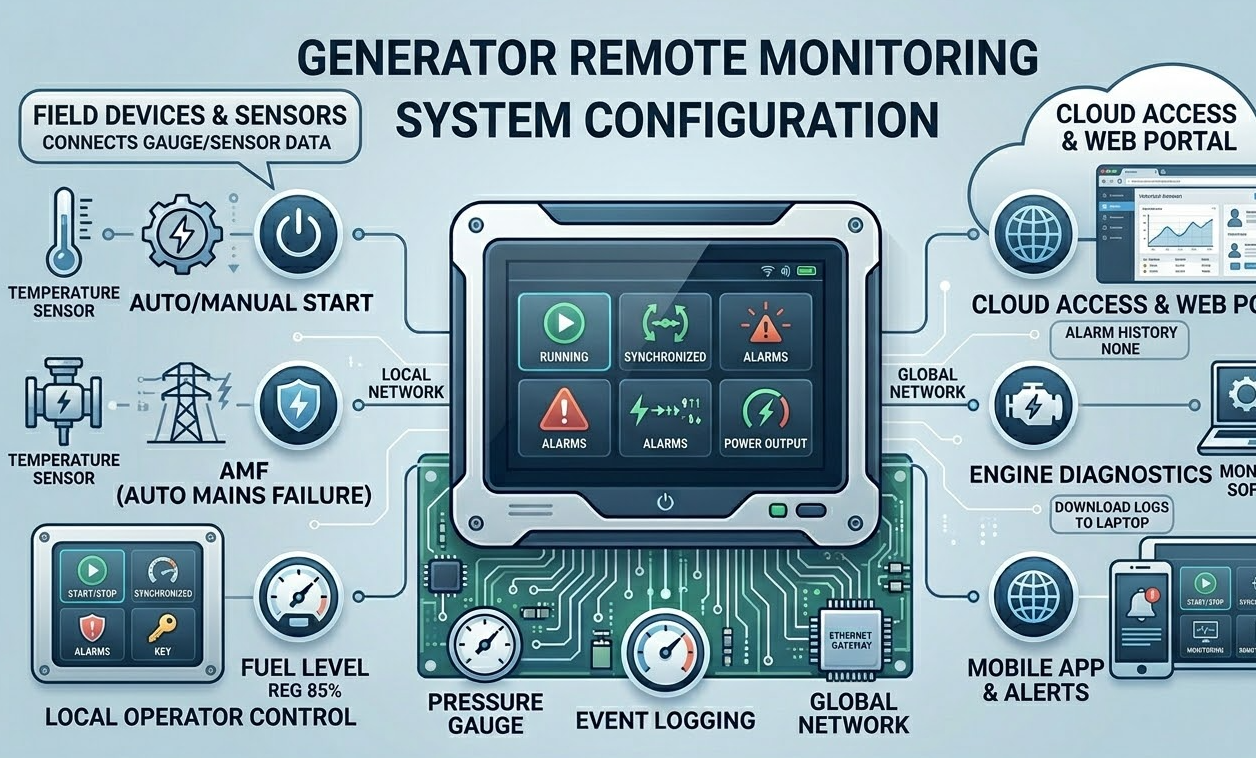
You can track problems in remote monitoring systems or ATS communication with the help of CAN lines or RS485. Wrong configuration or bugs in the settings might end up blocking communication between components. Setup all the softwares with great care, avoiding any issues.
I/O Board Faults
Reliable signal transmission highly depends on input/output boards. You can see a fast flashing light in case of a Communication Module for Diesel Generator failure. Then you need to replace or maintain the I/O boards.
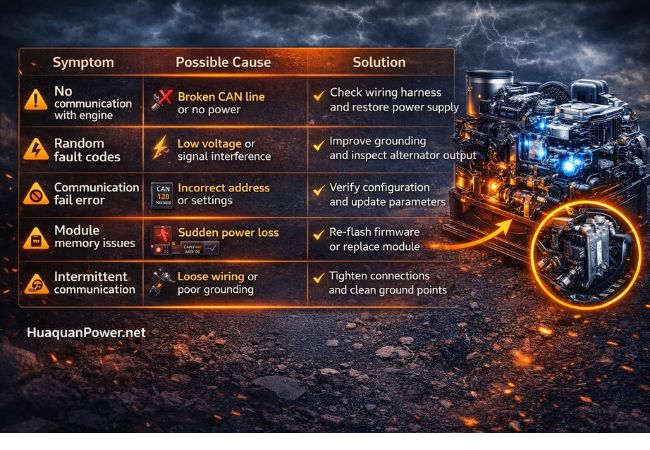
Common Faults Communication Module for Diesel Generator and Solutions
| Symptom | Possible Cause | Solution |
| No communication with the engine | Broken CAN line or no power | Tighten all the wires and restore the power supply |
| Random fault codes | Low voltage or signal interference | Improve grounding and test the alternator output |
| Communication fail error | Incorrect address or settings | Verify configuration and update parameters |
| Module memory issues | Sudden power loss | Update firmware or replace the module if needed |
| Intermittent communication | Loose wiring or poor grounding | Tighten connections and clean ground points |
Why These Troubleshooting of Communication Module for Diesel Generator Work
Every communication module fault analysis step helps you get closer to the cause so you can fix it in time. You can track signal intensity using voltage testing. Meanwhile, you can verify the network structure by checking resistance. When you look for visual signals, it helps you find the issues with communication in less time. On the other hand, when you try an isolation test, you pinpoint the short circuited in a few minutes.
You can prevent unwanted replacement and make sure smooth operation with less downtime by proper process. Also, it helps you improve generator efficiency, and you can detect faults in diesel generators effectively.
Preventive Maintenance for Communication Modules
You can save the cost of maintaining the Communication Module for Diesel Generator by preventing the causes of failures. However, if you perform these tasks, you can avoid heavy maintenance and improve generator lifespan:
- Maintain a proper 150mm distance between communication cables and electrical power cables, avoiding electromagnetic disruption.
- You can prevent software-related bugs and file corruptions by routine updating firmware on controllers.
- If you regularly check all the wires, the grounding system and ensure a reliable connection, you can prevent communication issues.
- On every regular maintenance schedule, test the Communication Module for Diesel Generator system and look for any problems to fix.
You can avoid the common risk of communication network failure by following all these expert tips.
Final Verdict
Effective Troubleshooting of the Communication Module for Diesel Generator helps you save huge maintenance costs. A bad Communication Module for Diesel Generator can cause issues in both monitoring, controlling and impact system performance. That’s why carefully inspect CAN bus signals, ECM systems and analyze each component individually.
Visit Huaquan Power for Modern High-Performance Diesel Generators!
FAQs
How do you test a CAN bus network?
You can track the resistance between CAN high and CAN low after turning off the system and unplugging all the modules. The ideal reading for a stable CAN bus network function should be around 60 ohms. In case you see a change in this number, for example, too high or too low, then probably your generator’s CAN bus network is failing.
What is a communication error in diesel generators?
A communication error happens when the transfer signals do not match the signals received. Also, while a disruption in the Communication Module for Diesel Generator happens, you deal with data loss, incorrect readings and system failures.
How do you find communication module errors in diesel generators?
The control panel of diesel generators warns you about faults in the Communication Module for Diesel Generator with notifications. You can see no communication alarm on the screen. In this case, you need to check all the wiring and connections, try to test out the CAN or RS lines and check the power supply. If you see different fault codes activated on the screen, such as U0100 or P0600, it shows that something is wrong with communication.
⚡ Explore Related Solutions
- 🏭 500kW Diesel Generator
- 🏭 1000kW Diesel Generator
- 🏭 500kW YC Diesel Generator
- 🔧 KMS (Cummins/Doosan) Series
- 📋 Diesel Generator Sets
- 📋 Order Process — How to Buy
- 📋 Contact Us
💡 Need a customized solution? Contact our engineering team for project-specific recommendations.